
About Security Center SaaS client applications
Security Center SaaS lets administrators and operators access the system from any location using web-based, desktop, and mobile clients.
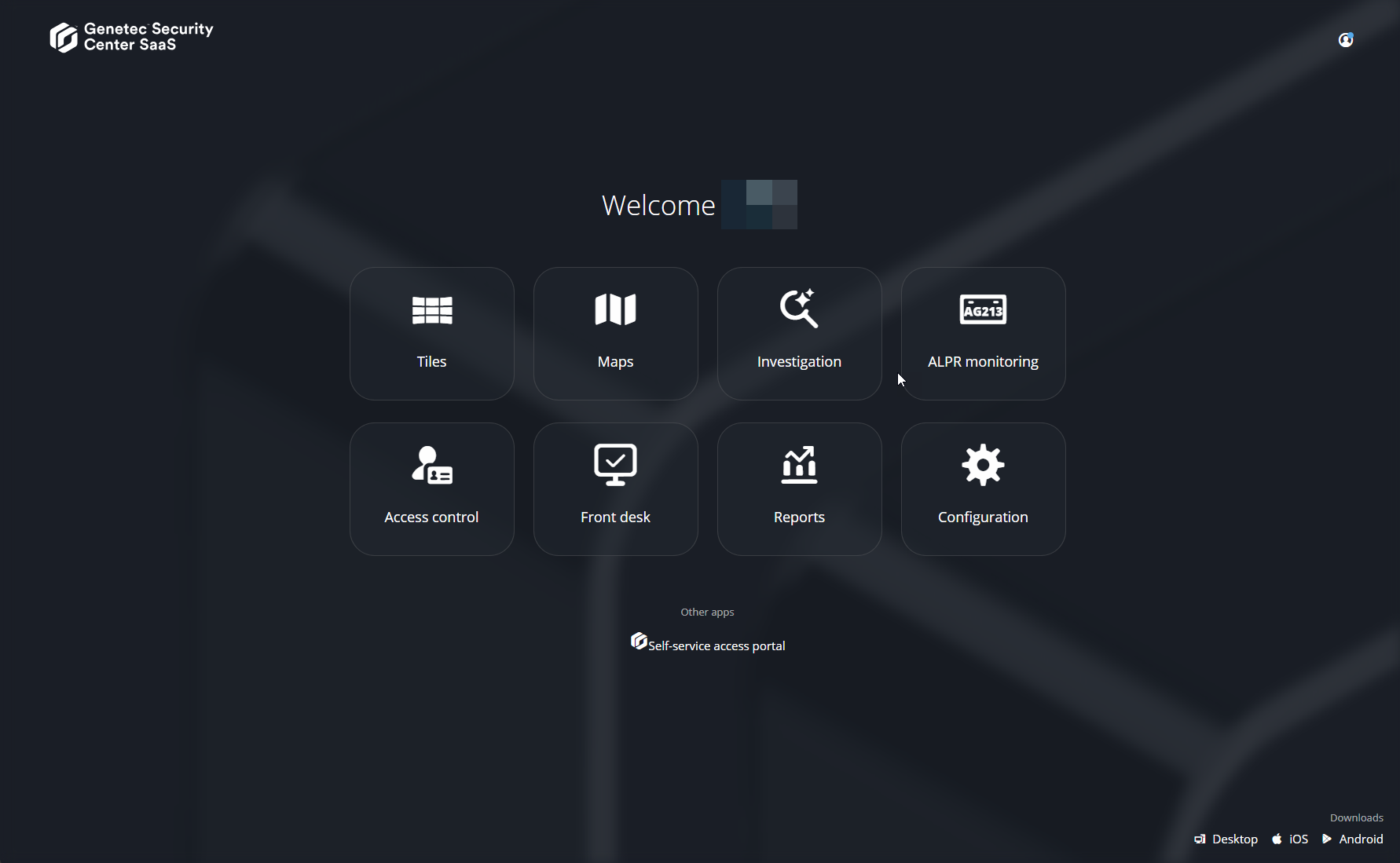
Security Center SaaS
Administrators and operators use Security Center SaaS to manage and monitor users and devices from the web browser on any computer.
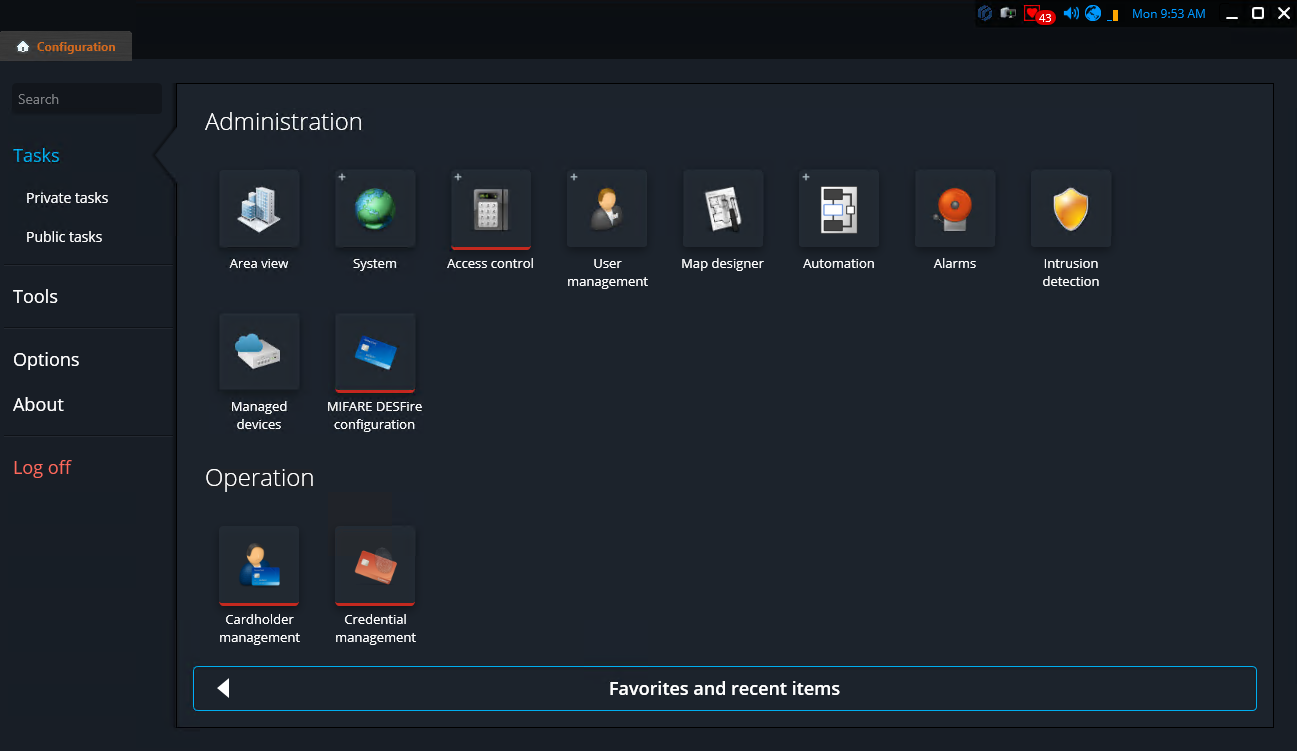
Genetec Configuration
Genetec™ Configuration gives administrators access to all system administrative tasks. It includes features not available in the web client, such as Map Designer and Automation, and supports advanced configuration for users, cardholders, and access control.
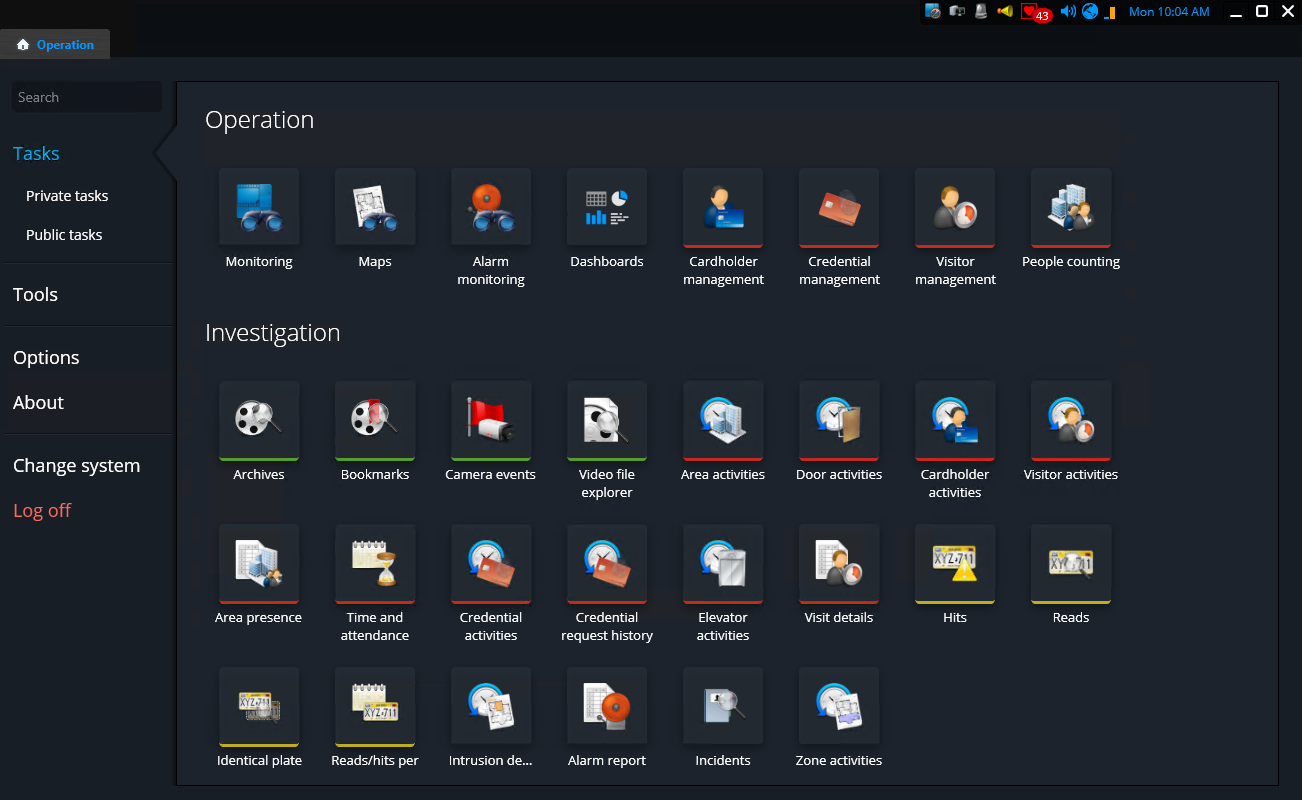
Genetec Operation
Genetec™ Operation gives operators access to a number of operational tasks that are not available in the web interface, such as dashboards, people counting, activity trails, and more.
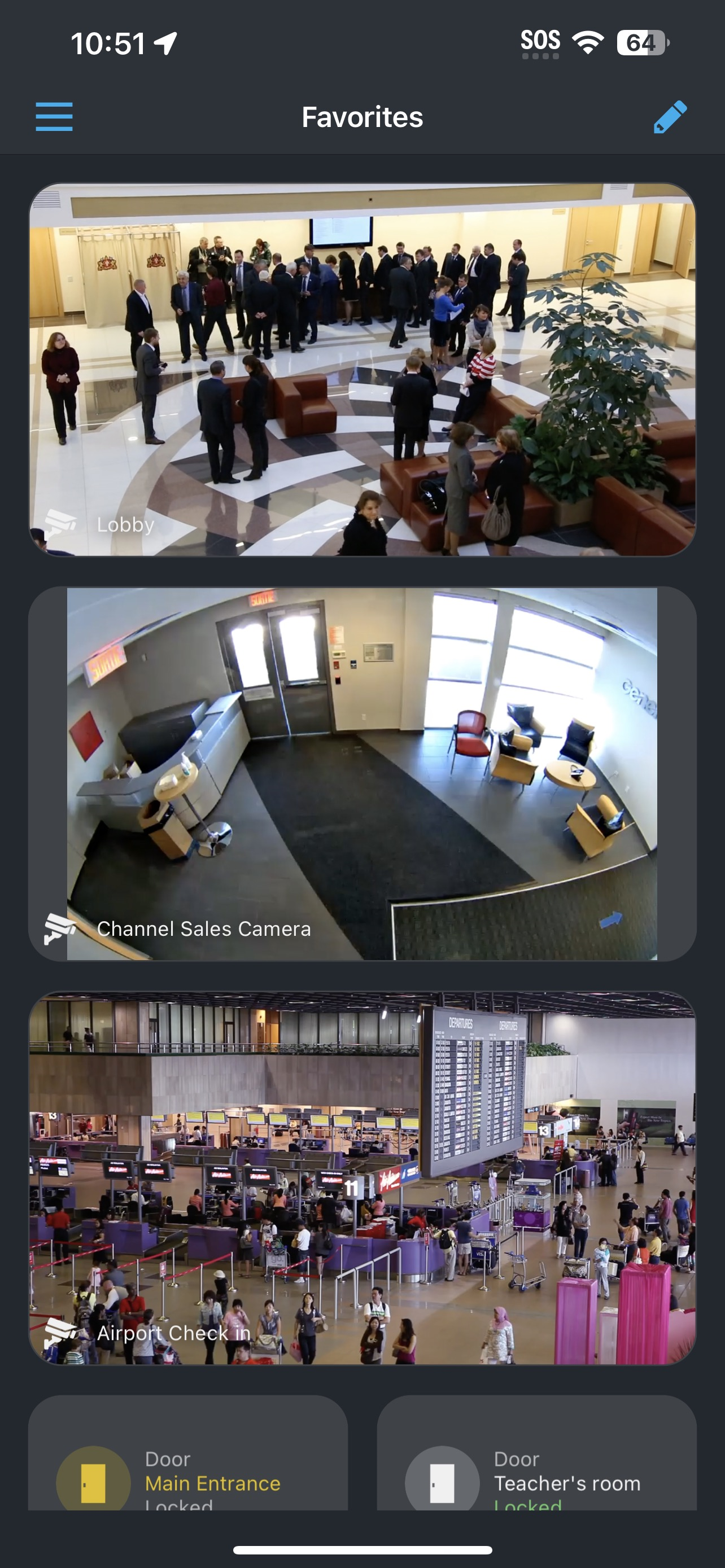
SC SaaS Operation mobile application
Built for field use, the SC SaaS Operation mobile application lets operators monitor video, receive notifications, manage alarms, and more, when they're not at their desk.
Updates for Security Center SaaS clients
- Web: Updates occur automatically without the need for user intervention.
- Desktop: Users are prompted to download updates when they become available.
- Mobile: Updates occur automatically if the operating system is configured to automatically update applications.