Adding area managers
2020-08-11Last updated
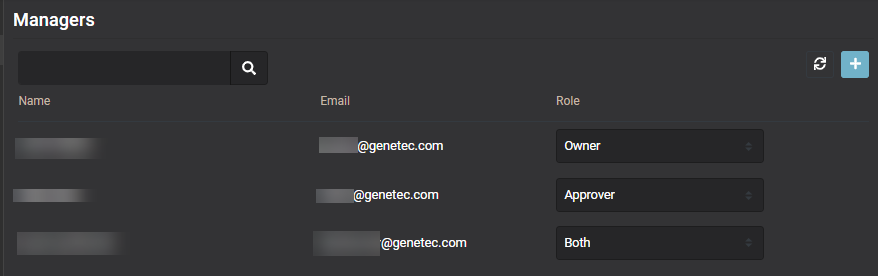
Area managers are composed of two distinct roles: area owners and area approvers. Before you can define policies for an area, assign area approvers, or approve or deny access requests for an area, you must add your area managers.
Before you begin
What you should know
- Only area owners or site owners can add area managers in Genetec ClearID™.
Procedure
-
Use the Search field or click Add (
 ) to add area
managers.
) to add area
managers.
-
Select the Role type for the user or users you
added:
- Owner
- Approver
- Both