Triggering alarms
2026-08-12Last updated
To activate an alarm, you can trigger it manually from the notification tray in relevant tasks in Security Center SaaS.
What you should know
Procedure
-
Click the Active alarms (
 ) icon in the notification
tray.
) icon in the notification
tray.
-
Click the Trigger alarm (
 ) button.
-
Click Trigger.
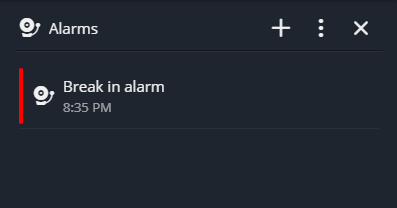
The triggered alarms are listed in the Alarms side panel.