Contextualized response actions
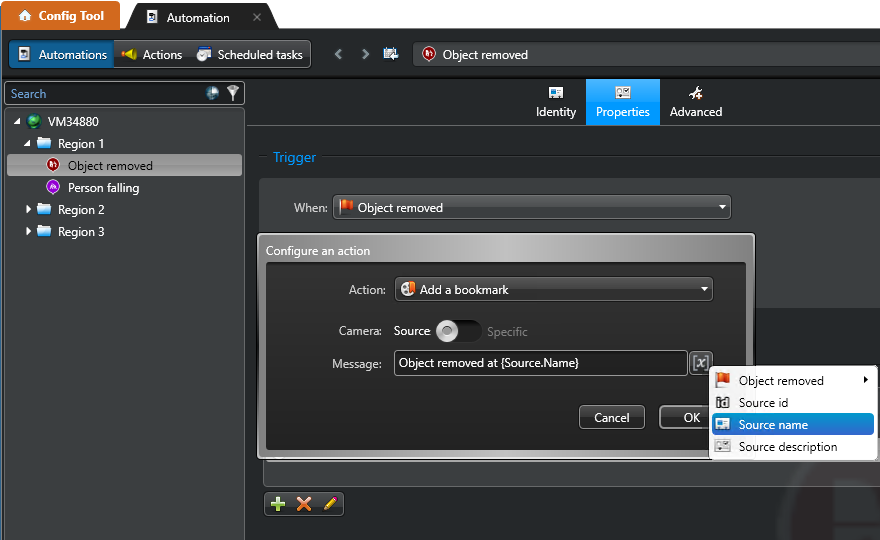
Response actions in event-based automations can be configured based on their context to help you handle multiple automation scenarios. Contextualized actions can reference different properties of the automation, such as the source entity, specific or associated entities, the source event's location, or the event's available data.
Actions referencing the source entity
The following actions can reference the source entity of the event that triggered the automation:| Source entity | Action |
|---|---|
| All entities |
|
| Areas |
|
| Cameras |
|
| Cardholders |
|
| Doors |
|
| Doors and elevators |
|
| Units |
|
Actions referencing other specified entities
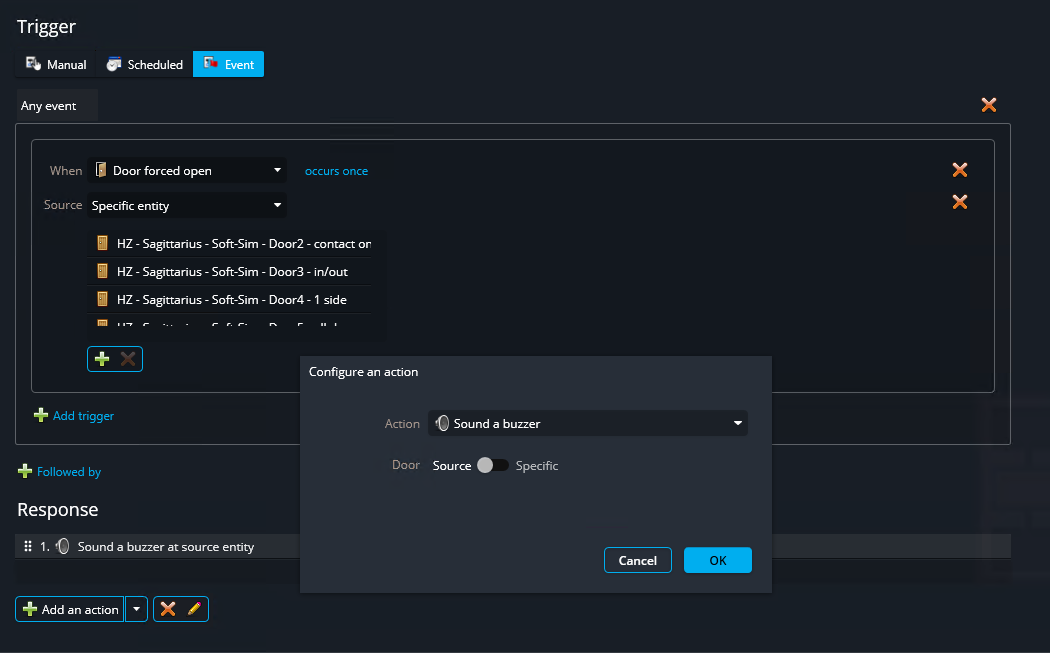
Some actions let you choose whether the actions affects the source entity that raised the event or a different specific entity.
Actions referencing entities associated with the source entity
If an action requires a different entity type than the source entity, the action can be applied to the entities associated with the source entity, provided their entity type matches what the action requires.
For example, if a Door forced open event triggers an automation, it can be configured to run the Add a bookmark action as a response.
Because the Add a bookmark action requires a camera, and the Door forced open event originated from a door, the Add a bookmark action will be applied to all of the camera entities associated with the door.
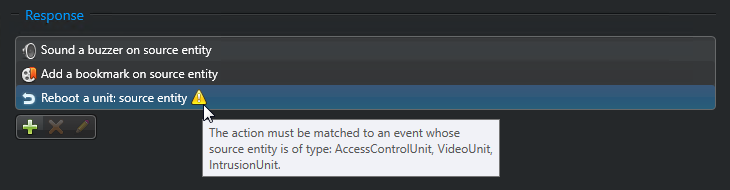
If you configure an action referencing the source entity that does not match the type of the source entity or any associated entities, the system displays a warning.
Actions referencing the source event location
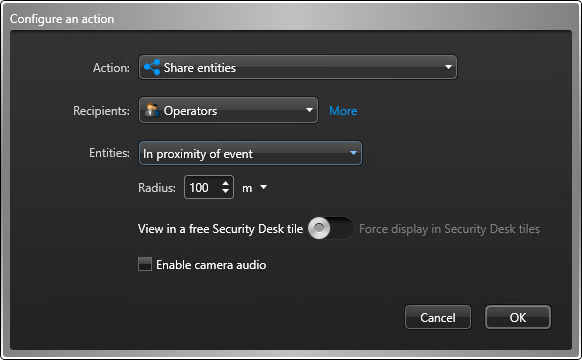
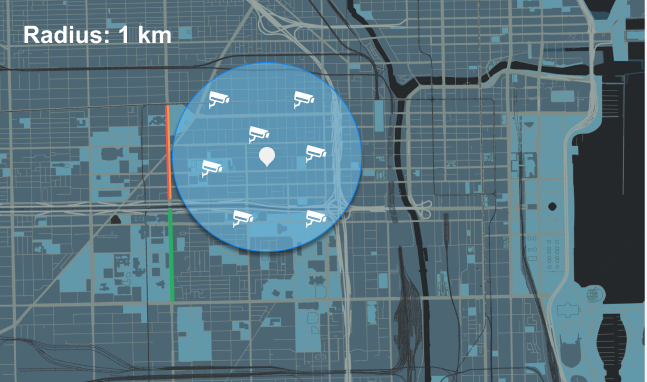
Some actions let you reference entities whose location is near to the source event.
For example, when you configure a Share entities action with the In proximity of event setting, the action shares live video from cameras within a specified distance from the source event's location.
Actions referencing the event data variables
The following actions can reference the event data as variables in their text arguments:- Add a bookmark
- Send a message
- Send an email
- Email a report
- Email snapshots
The arguments where variables can be used are followed by the  button.