
Editing cardholder and visitor profiles
2026-04-27Last updated
If a cardholder or visitor profile requires revisions, you can make and save the changes in Security Center SaaS.
Procedure
-
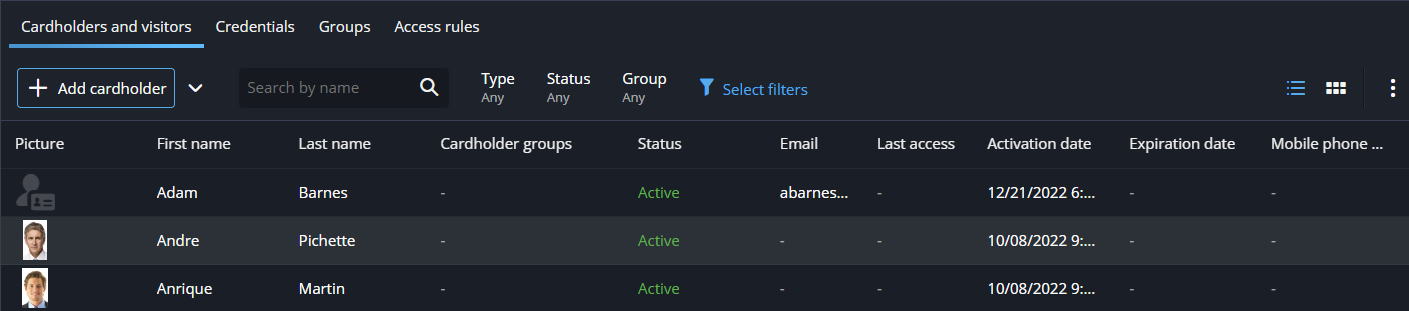
Select a cardholder or visitor from the list.
If a cardholder or visitor profile requires revisions, you can make and save the changes in Security Center SaaS.