Viewing the visit events schedule
2026-08-10Last updated
To see what visit events are planned, you can view the visit events schedule. Using this information, you can see what visitors are expected today or in the coming week and prepare any access cards or other special requirements ahead of time.
Before you begin
Procedure
-
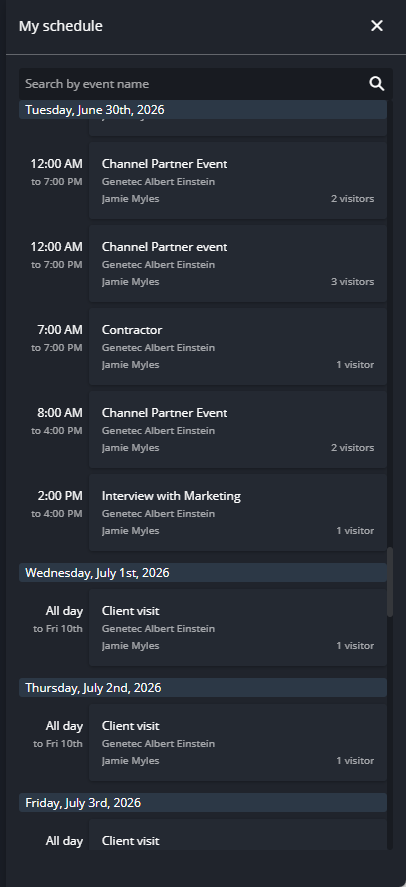
Click View schedule.
-
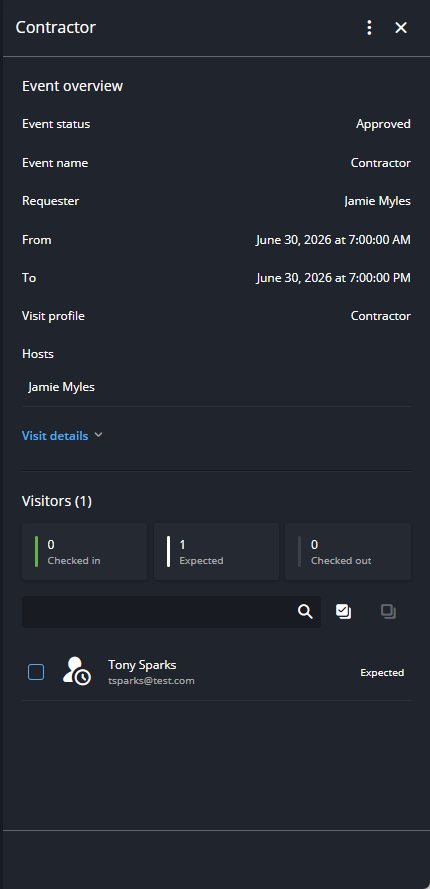
In the My schedule dialog box, click an event to display an
overview of the event and the visitors invited to the event.