
Transferring existing users to your new corporate SSO login service
2026-07-22Last updated
After setting up your corporate identity provider, existing Security Center SaaS users must complete a one-time transfer to the new login service to use single sign-on (SSO).
Procedure
-
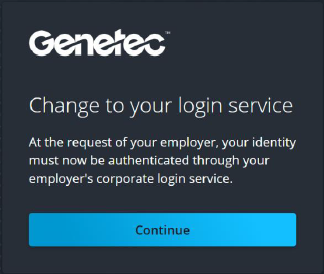
During your first sign-in, confirm the change to your login service by clicking
Continue.
- Security Center SaaS
- Genetec™ Airport Badging Solution (ABS)
- Genetec ClearID™
- Genetec Clearance™
- Genetec Cloudrunner™
- Genetec Operations Center
- Genetec Portal (genetec.com)