
Video timeline thumbnails
Video thumbnails on the timeline provide a visual preview of recorded footage at different points in time, helping operators locate specific moments without playing back entire recordings.
From the Investigation task, or while using intelligent search functions to review video, you can benefit from video thumbnails while hovering on a timeline or scrubbing through video.
View thumbnails while hovering
Hovering the mouse pointer over the timeline displays a thumbnail preview above it. The available thumbnails depend on the visible time range. A shorter time range shows thumbnails at shorter intervals than a longer time range. Operators can adjust this time range while hovering over the timeline by pressing Shift and scrolling the mouse wheel. The timeline displays a range from 30 seconds to 24 hours.
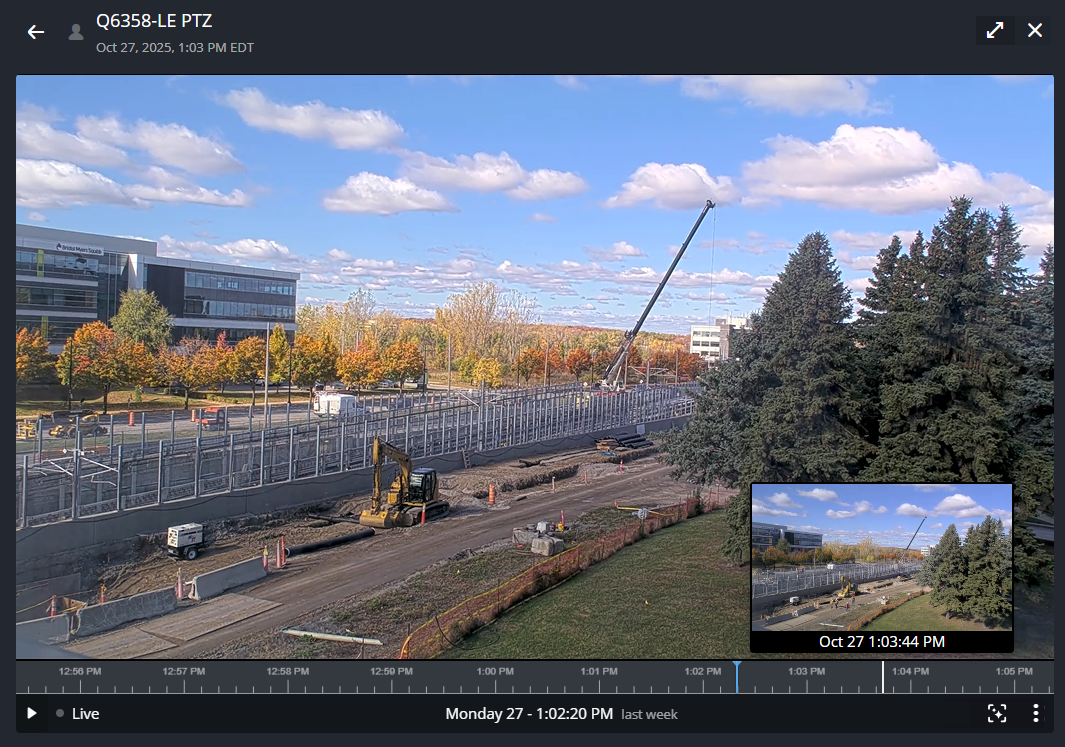
Review video by scrubbing
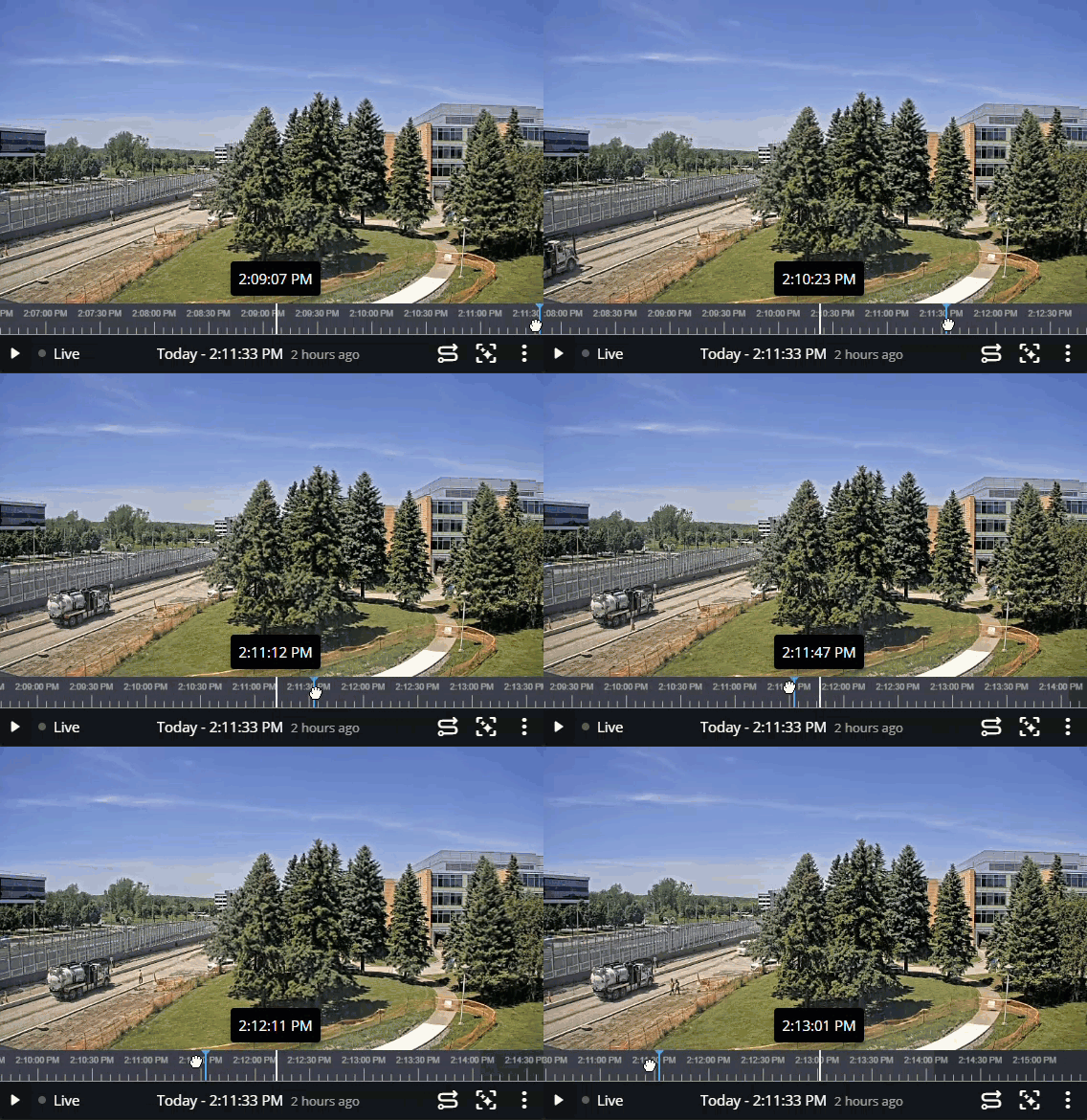
Bandwidth and performance considerations
Activating video thumbnails on the timeline consumes approximately 60 Kbps per camera because the system sends a continuous low-resolution stream to the cloud. The amount varies by camera manufacturer.
Where to turn on video timeline thumbnails
You can enable video timeline thumbnails from a recording profile's Properties page, using the Activate video thumbnails on timeline setting.
You can also enable this feature on individual cameras if their recording profile is set to Custom settings.