
Modifying visitor management settings for sites
2026-02-18Last updated
To determine how QR codes are shared with visitors and how Genetec ClearID™ manages visitor data, you must configure the visitor management settings for your site.
What you should know
Procedure
-
In the Security Center options section, configure the following
options:
Specify whether to Display registration code in visitor last name field (Visitor management task in Security Desk).
- If selected, the last name field displays the last name of the visitor and the QR
code value.
This setting is required for QR code scanners to locate pre-registered visitors in Genetec™ Operation desktop.
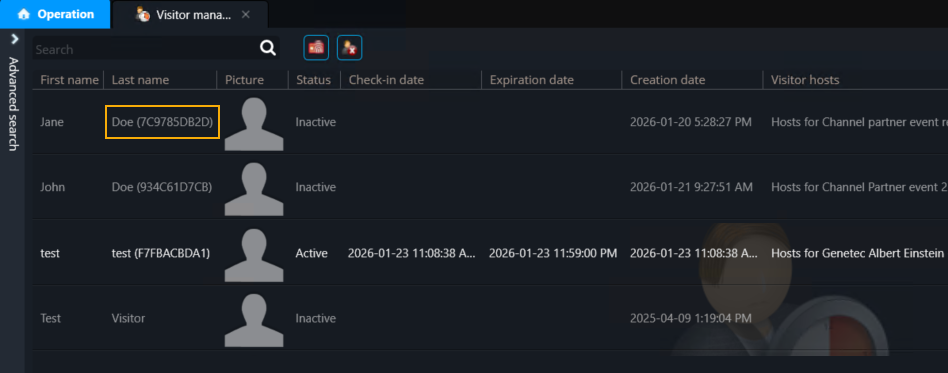 Tip:With a Zebra QR code scanner, place the cursor in the Search field of the Visitor management task in Genetec™ Operation desktop, scan the QR code, and press Enter to populate the Last name field.
 - If cleared, the last name field displays only the last name of the visitor.
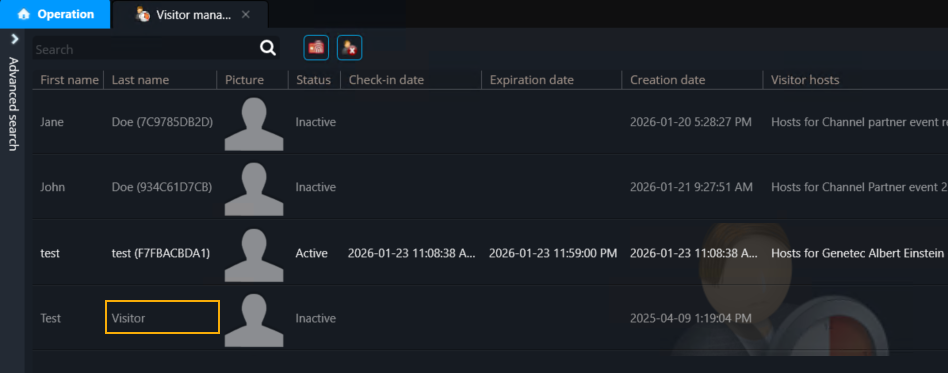 Note:When the registration code option is changed, only visitors created after the change are modified. Existing visitors remain unchanged.
- If selected, the last name field displays the last name of the visitor and the QR
code value.