Before you can create maps using OpenStreetMap or other tile data, you must set up a
custom map provider and connect Map Manager to a GIS that supports the required URL
format.
What you should know
Map Manager supports Tile Map Service (TMS) servers that deliver tile content through
URLs with a zoom level, X coordinate, and Y coordinate. For details, see the URL format for web tile servers. When using a TMS
server, you can define the boundaries and scale of your tiled map.
Procedure
From the Configuration desktop homepage, open the System task, and
click Roles.
From the entity browser, select Map Manager, and click the
Properties tab.
In the Map providers section, click Add an
item ().
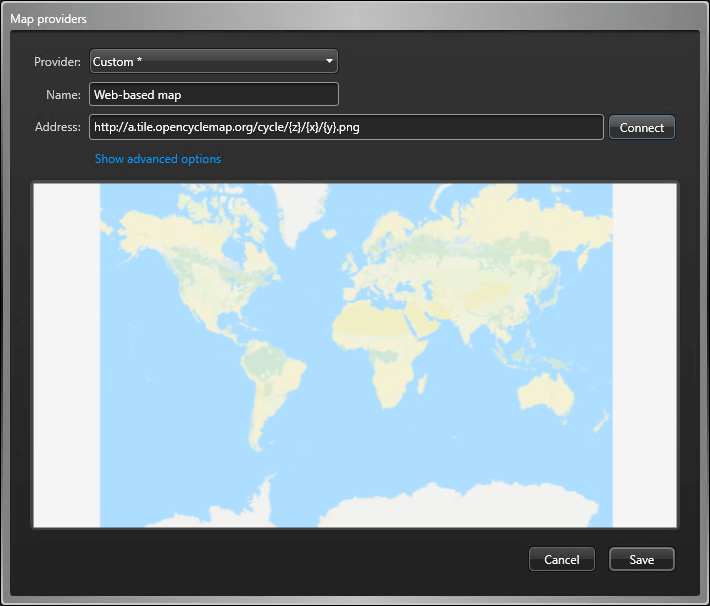
In the Map providers dialog box, select Custom
* from the Provider list.
In the Name field, type a name for the map provider.
In the Address field, type the URL of the TMS server.
If required, click Show advanced options and configure the
following:
Set the Maximum zoom level supported by the map to a level
between 1 - 25. The default is 17.
If the server requires authentication, turn Use
authentication on and enter the username and password.

 ).
).