
Mapping a virtual output to an input in Security Center SaaS
2026-09-29Last updated
To manually trigger an output on a Bosch intrusion panel, you must create a virtual input by mapping the output to its associated input in Security Center SaaS.
Before you begin
Procedure
-
From the Input list, select the input that is physically
connected to the output.
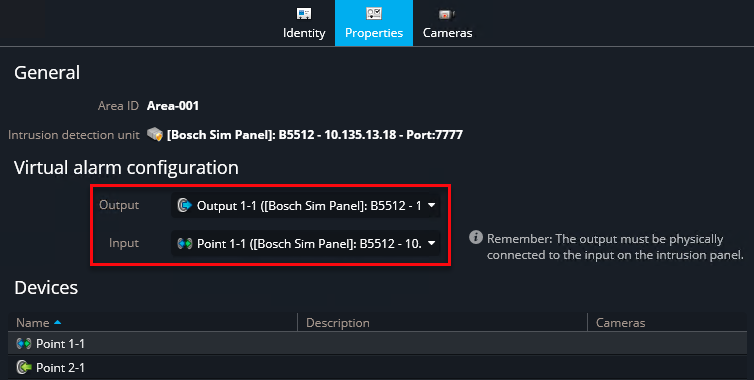
- The input changes to a virtual input (
 ).
). - Operators can trigger the output in the Monitoring and Maps tasks.