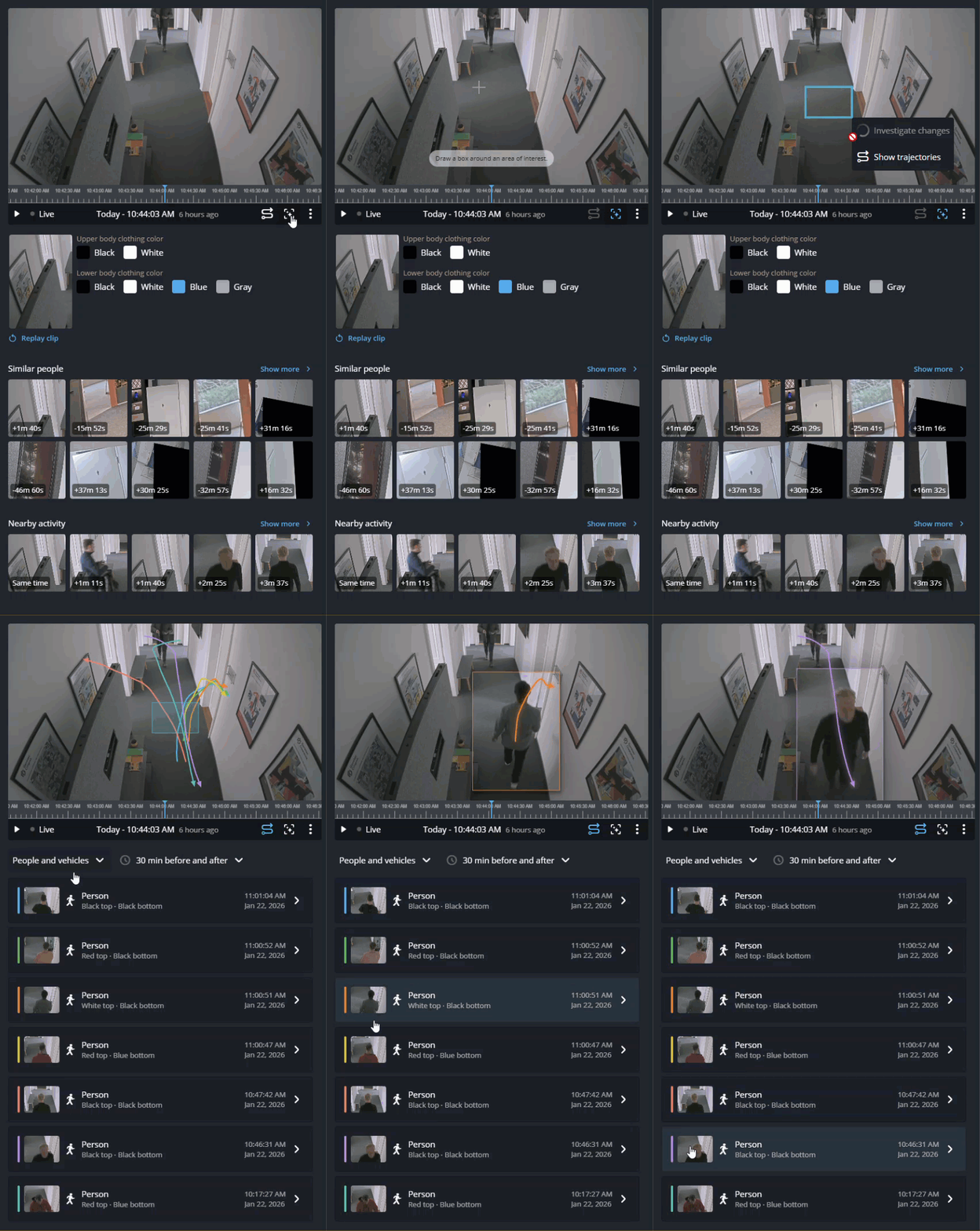
How visual trajectory works in Security Center SaaS
2026-09-23Last updated
Visual trajectory is an investigative feature that helps users quickly gather evidence of people and vehicle movement. It shows movement within a camera’s field of view, travel directions, and exit points from the scene.
Requirements
Visual trajectory is available only with a Security Center SaaS Premium Plan. For an overview of the key features and differences between the Standard and Premium plans, see the Security Center SaaS Features Matrix.
Using visual trajectory
Visual trajectory search shortens investigation time by offering insights into movement patterns and travel directions, highlighting unusual behavior, and assisting users in deciding which camera to check next, without needing to watch lengthy video clips.
There are two ways to use visual trajectory:
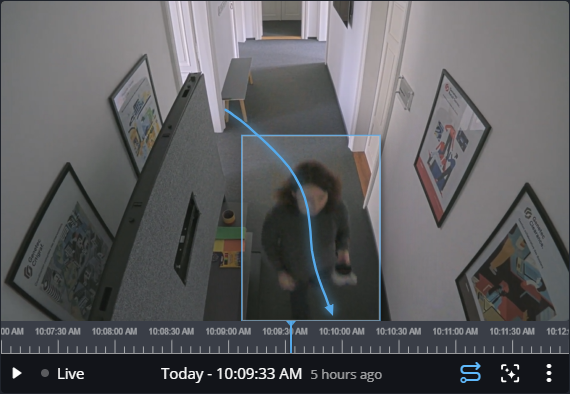
- In the Investigation task, you can display the path taken by the
people or vehicles in the tile.
- ln the Tiles and Investigation tasks, you
can define an area of interest and view the trajectories of all people or vehicles that
passed through the specified area.